> For the complete documentation index, see [llms.txt](https://docs.million-moves.net/start/llms.txt). Markdown versions of documentation pages are available by appending `.md` to page URLs; this page is available as [Markdown](https://docs.million-moves.net/start/introduction/frequently-asked-questions/how-to-open-a-tradingview-account-for-free.md).
# How to open a Tradingview account for Free
By creating a TradingView account, you'll be unleashing the true power of our Million Moves indicators, as it's perfectly tailored for the TradingView platform.
**Desktop Instructions**\
\
**Step 1:** Start by visiting [tradingview.com](https://tradingview.com). On the homepage at the top, you'll see a "Get Started" option. Click on "Get Started" and you'll be taken to a new page.
***
**Step 2:** Here, locate the "Sign Up" button at the top. Click on it – it's the first button – to create your free TradingView account.
***
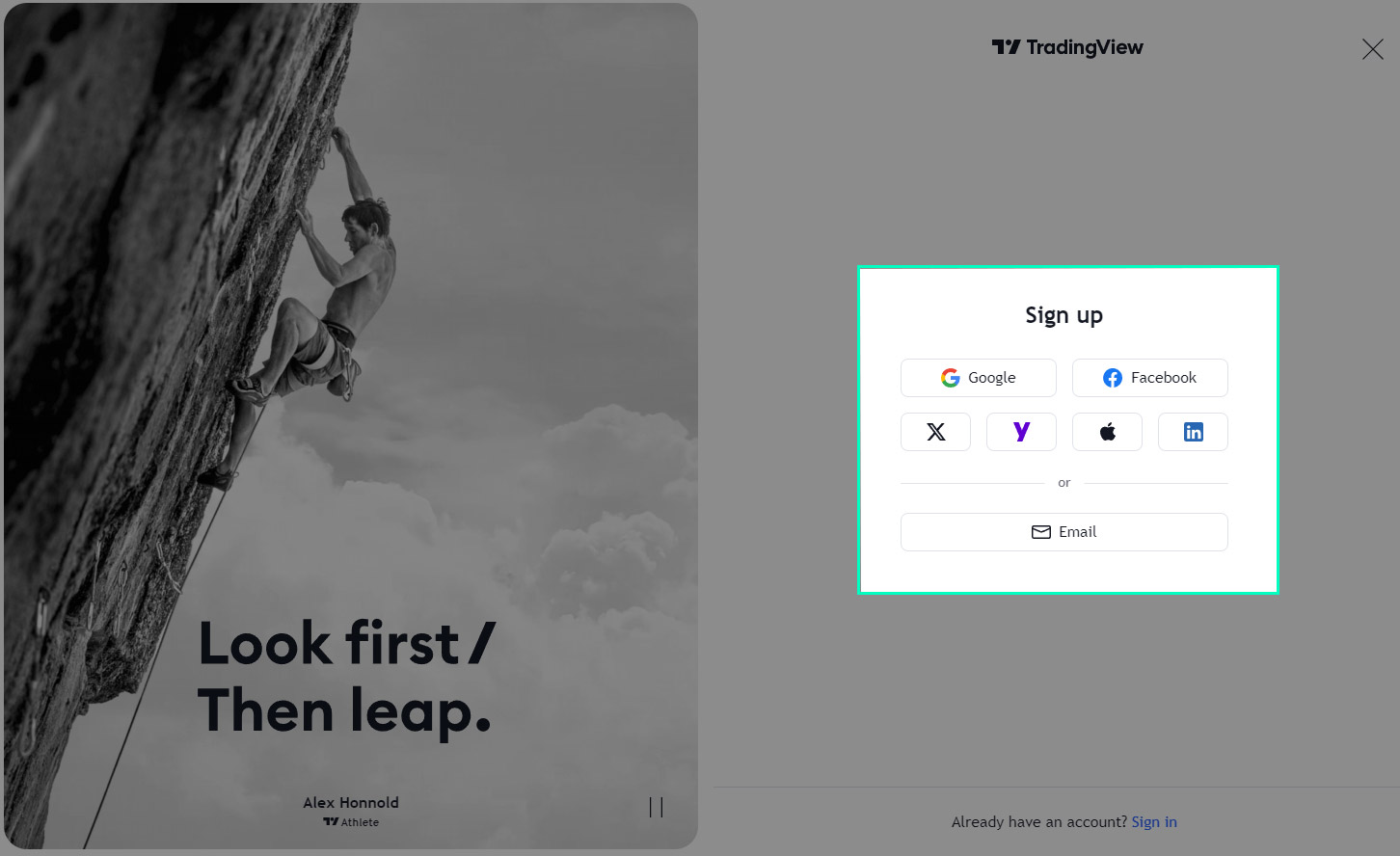
**Step 3:** On this page, you have various options to sign up. You can use your Google account or other social media accounts, or simply use your email to create your account.
***
**Step 4:** Once you've completed your registration, head to the top navigation and find "Products". Click on "Supercharts". This will open a chart window where you can make use of indicators to analyze the market effectively.
\
**Mobile Phone instructions**
**Step 1:** Search for the TradingView app in your Google Play Store or Apple App Store.\
It's free to download. \
\
**Step 2:** Once you have downloaded and opened the app, create a new account by using the vrious sign-up methods or use your existing login if you created previously an account through the tradingview\.com website.\
\
**Step 3:** In the TradingView app click on "Chart" which is located at the bottom.